CASE STUDY
Demo City Council on LocalGov Drupal
A council website on LocalGov Drupal 4 and Drupal 11, with a custom module that lets residents request documents in a format they can use, and a full WCAG 2.2 AA accessibility audit.
10
accessibility issues found and fixed, each mapped to WCAG 2.2
0
axe-core violations across 14 page states, desktop and mobile
42
automated PHPUnit tests across the custom modules
The Problem
Councils publish huge numbers of PDFs, and many of them don't work with screen readers. UK accessibility regulations expect councils to say when a document may not be accessible and to offer it in another format. In practice that often means a generic email address and no way to track who asked for what.
The Solution
I built the site on LocalGov Drupal, so it uses the same content types and patterns as real councils, then added a custom module and fixed the accessibility problems I found in the base theme.
Built on LocalGov Drupal
The shared Drupal distribution used by UK councils: services, guides and publications, with a LocalGov Base sub-theme for Demo City Council.
Accessible Formats module
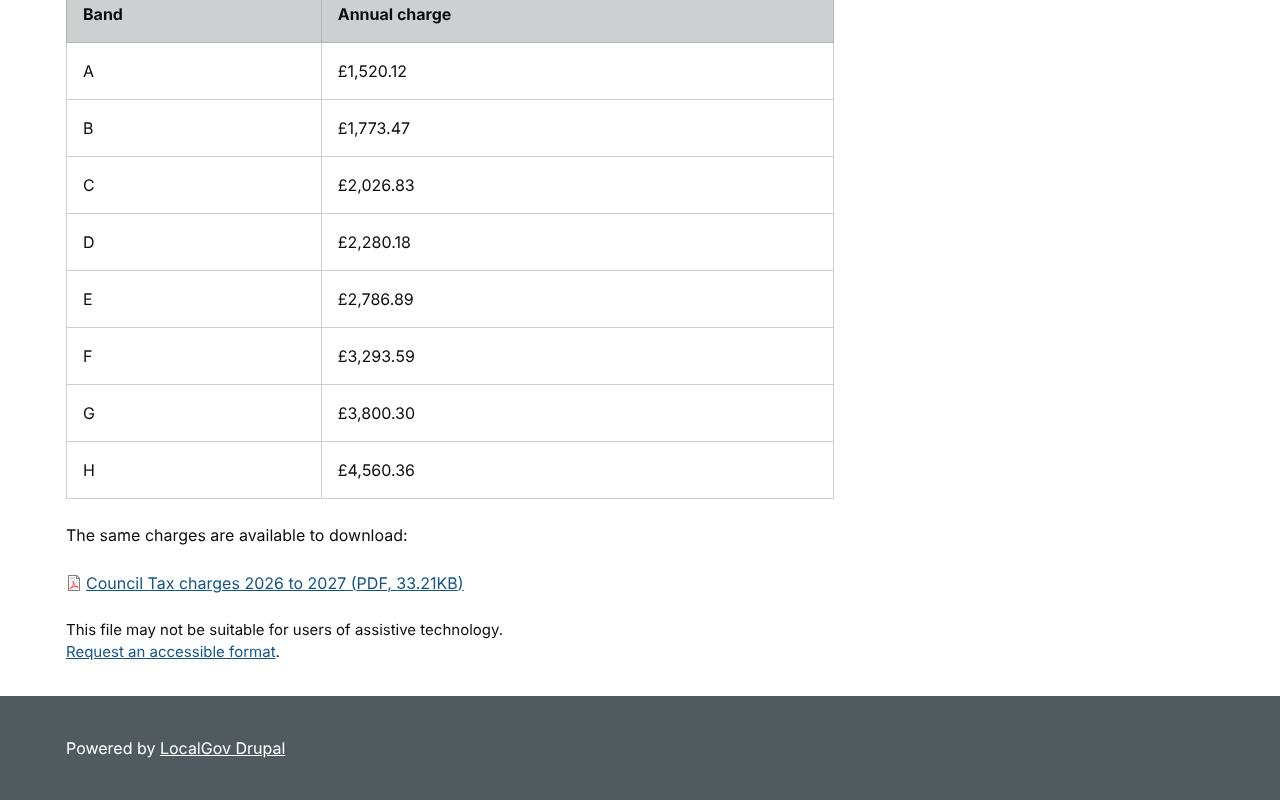
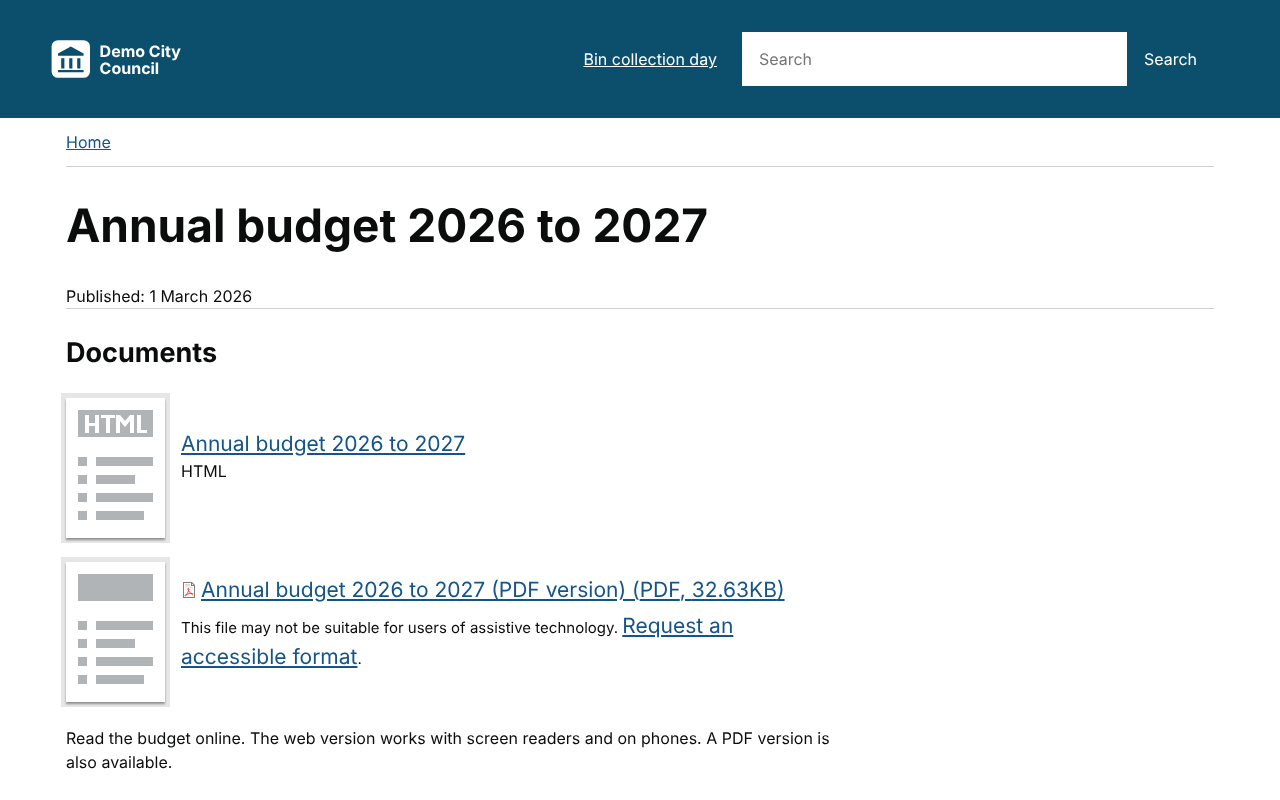
Every PDF or Word document gets a "Request an accessible format" link. Residents ask for large print, Easy Read, audio or braille; staff manage requests in Drupal.
WCAG 2.2 AA audit
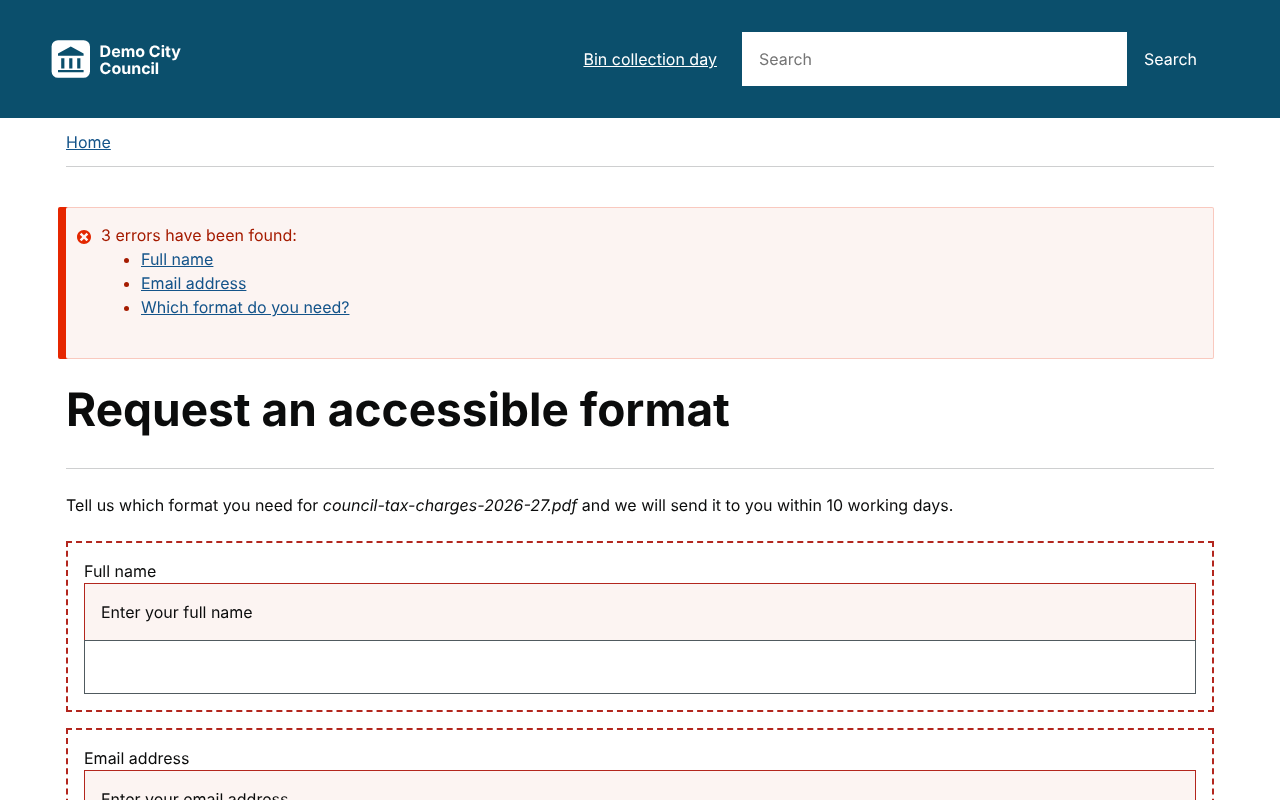
10 issues found and fixed, from a search button labelled "Apply" to error messages that didn't link to their fields. Written up with WCAG references and severity.
Tested in CI
42 PHPUnit tests, Drupal coding standards, and axe-core plus keyboard checks on 14 page states at desktop and mobile sizes, on every push.
Screenshots
How a Request Works
A resident finds a PDF
Under the link they see: "This file may not be suitable for users of assistive technology. Request an accessible format."
They choose a format
Large print, Easy Read, audio, braille, an accessible web page or something else. Errors follow the GOV.UK pattern: a summary that links to each field.
They get a reference
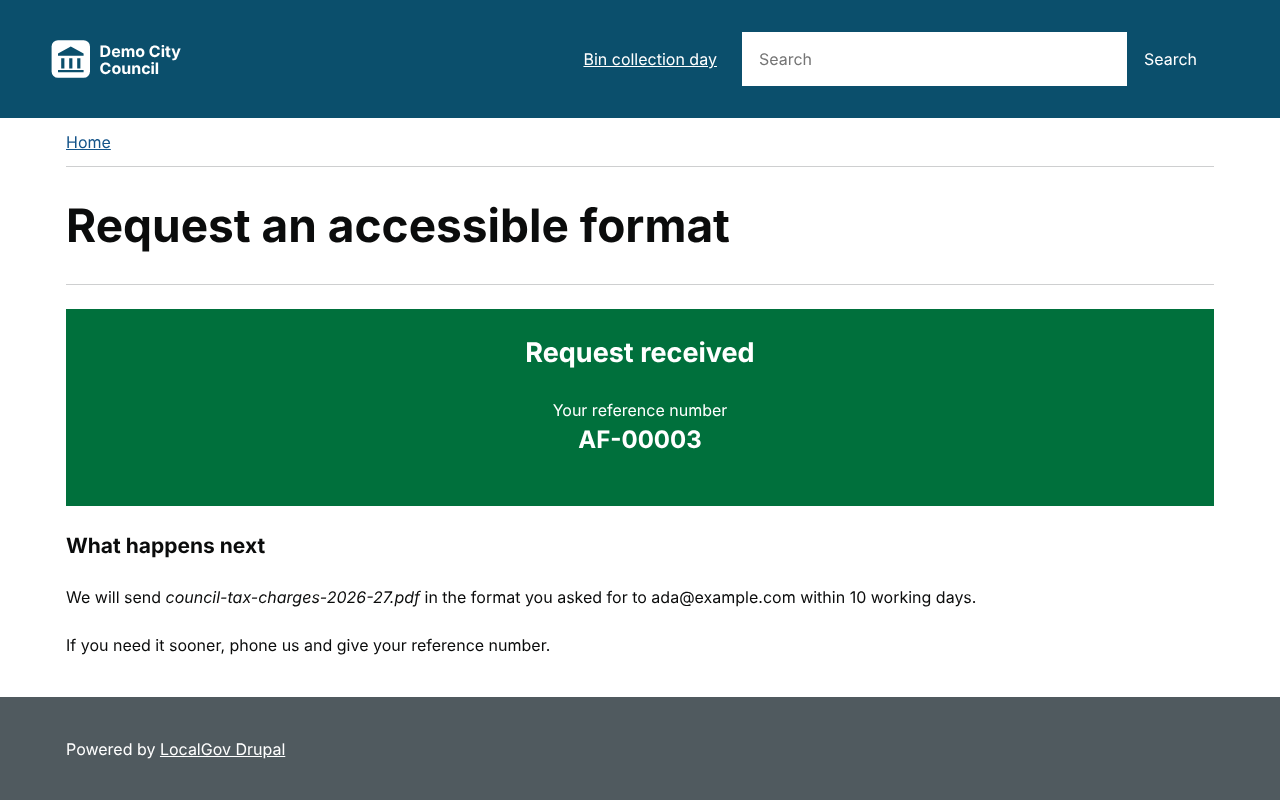
A confirmation panel shows a reference such as AF-00012 and when to expect a reply. Focus moves to it, so screen reader users hear it.
Staff deal with it
Requests appear under Content in Drupal, unanswered first, and can also be emailed to a team inbox. Staff tick them off when done.
Selected Audit Findings
Five of the ten findings. The full report covers method, severity and what automated testing can't tell you.
| Issue | WCAG | Fix |
|---|---|---|
| Search button labelled "Apply" | 2.4.6 | Relabelled "Search" |
| Errors didn't link to fields or appear next to them | 3.3.1, 3.3.3 | Inline errors with an error summary and specific messages |
| Focus stayed at the top after sending a request | 4.1.3 | Focus moves to the confirmation |
| Messages used role="contentinfo", creating two footer landmarks | 1.3.1 | Theme template with alert and status roles |
| No accessibility statement | PSBAR 2018 | Statement page added, based on the GOV.UK sample |
Outcome
A council site that installs with one command, passes its tests and accessibility checks on every push, and gives residents a clear route to documents they can use. Testing also caught a non-accessibility bug: the request form accepted any file, including images, so it now only accepts real documents.
It builds on my Council Services on Drupal 11 project: the Bin Day Finder module runs inside this site.
Portfolio project: “Demo City Council” is fictional and all content is demonstration content. Built on LocalGov Drupal (GPL-2.0-or-later).